
- Item Search Mode & Archived Search Mode
- Space Search Mode
- Collection Search Mode
- List Search Mode
- List Items Search Mode & Archived List Items Search Mode
The Labccs Sample Search & Archived Sample search function

(Item Search Mode)
The Labccs Item Search Mode allows the user to Search for samples/specimens by location, collection, date created, user created and ANY of the user defined data fields. All searches are constructed using a range of standard boolean search operators/functions and the user can select which data columns are displayed in the search results grid
The Archived Search Mode has the same functions as Item Search Mode except that it will search for archived samples instead of current samples.
The Labccs storage Space Search function
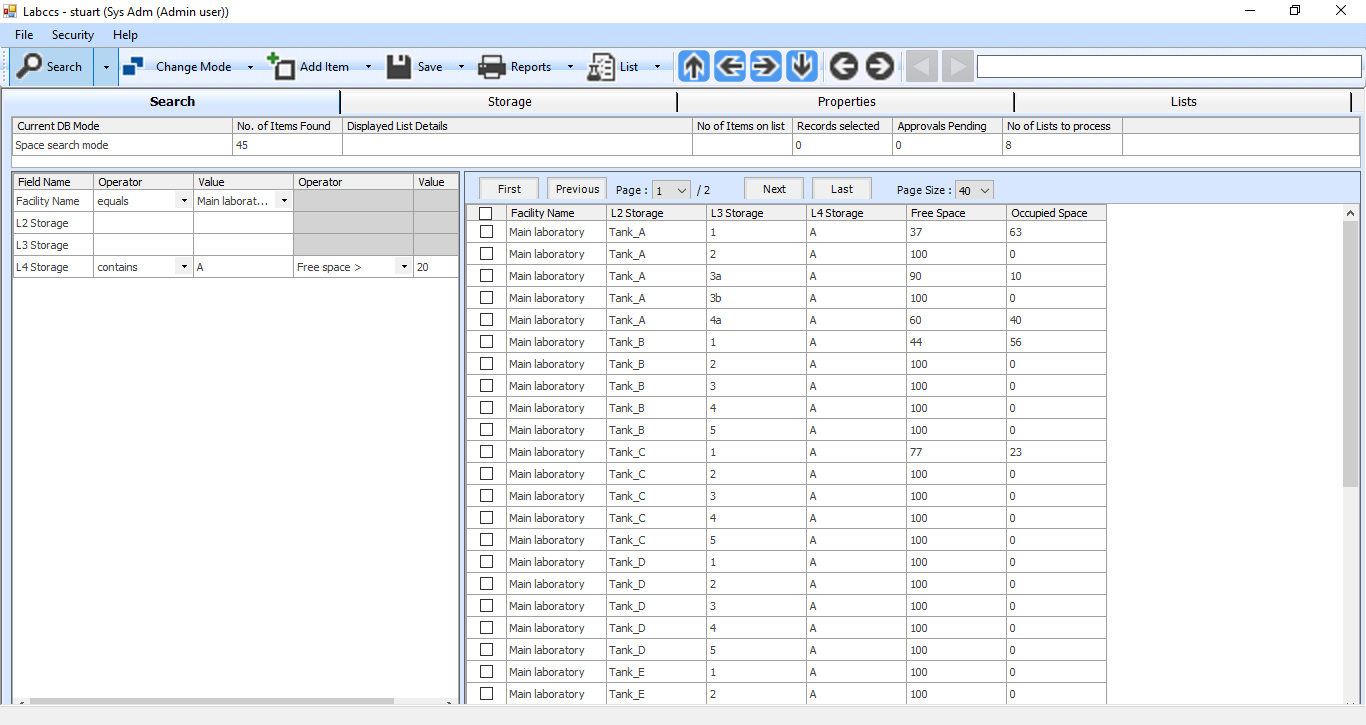
(Space Search Mode)
In Space Search Mode you can search to find locations within your configured storage facilities which have sufficient space to store a group of samples
Search for Collection information

(Collection search mode)
For users who need to configure Labccs to store a high number of Collections which store different datasets per collection, the ability to search across multiple collections can be very useful. Collection Search Mode allows a user to create a list of Collections which can then be used as one of the search criteria when searching for samples.
Here is an example : You have configured Labccs to keep track of 35 different Collections. Each Collection might have a slightly different set of data fields, but some of the data fields are common to all Collections. You might want to restrict your search for samples so that only samples in the first 10 Collections will be found in the search results.
Collection Search Mode will allow you to build / select a list of the Collections you want to include within your search criteria and then transfer that list to be a single search criteria in your sample search
List Search Mode
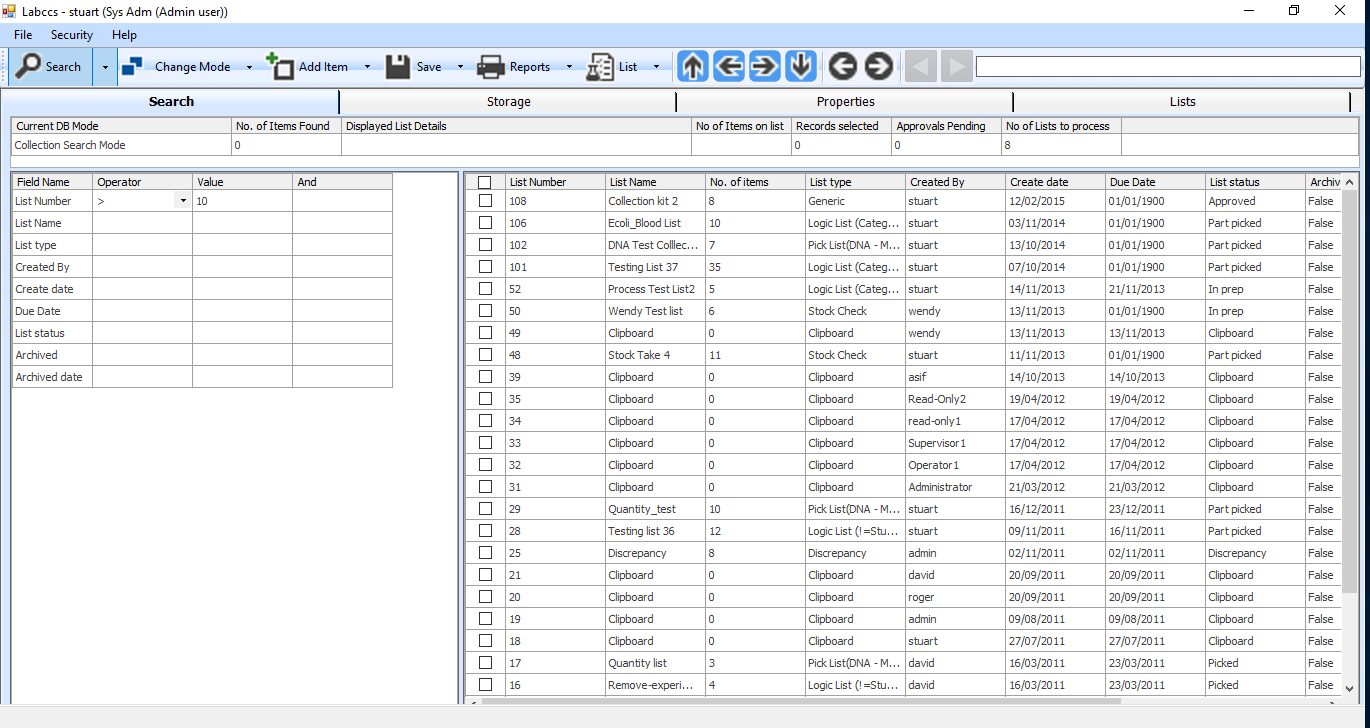
(List Search Mode)
Many laboratory workflow processes can make extensive use of lists of samples. Over time, the number of list created and then archived can build to significant numbers . The Labccs List Search Mode allows you to search for lists by Number, Name, Type, Created By, Create Date, Due Date, Status, Archived and Archived Date. Read more about List Search Mode
List Items Search Mode & Archived List Items Search Mode

(List Item Search Mode & Archived List Item Search mode)
The List Item Search mode and Archived List Item Search mode allows you to search for a subset of items contained on a current or archived list. Read more
You might also like to read more about :